
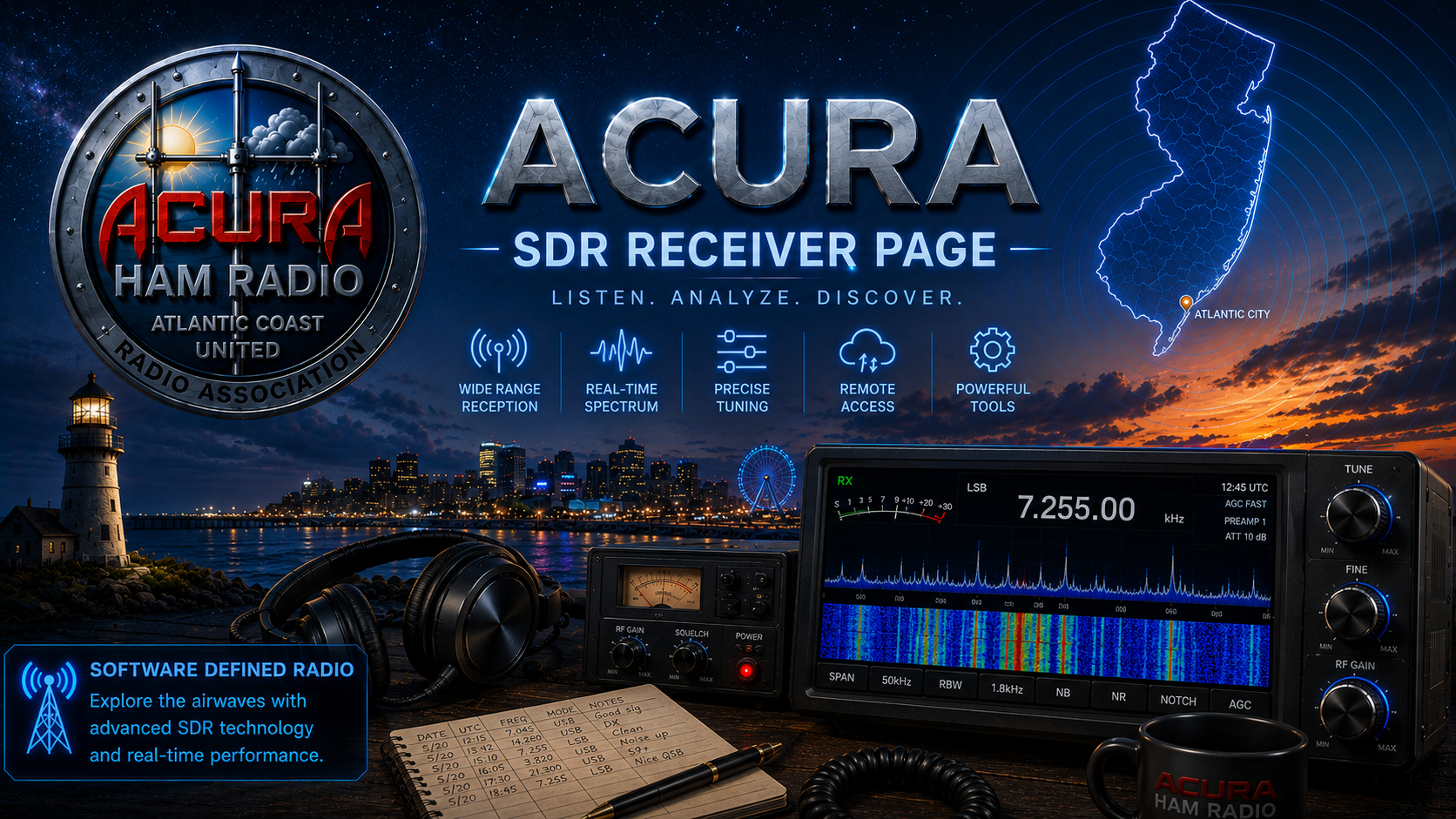
Did you know you can listen to ham radio online for free, right now, without buying a radio? You do not need a license, an antenna or any software. Instead, all you need is a web browser and a few minutes. In this guide, we will show you how to do it with the ACURA live SDR receiver, which bands to try first, and what you are likely to hear.
Amateur radio operators, or hams, talk to each other across town and around the world every day. However, most people have never heard them. Thanks to online receivers, that has changed. Today, anyone can tune the ham bands from a laptop or a phone.
What You Need to Listen to Ham Radio Online for Free
The short answer is almost nothing. First, you need a device with a web browser, such as a computer, tablet or phone. Second, you need speakers or headphones. Finally, you need an internet connection. That is the whole list.
In other words, there is nothing to download and nothing to pay for. The radio itself sits somewhere else, connected to a real antenna. You simply control it through a web page and hear the audio it sends back.
Step by Step: Listen on the ACURA Live SDR Receiver
The fastest way to start is the receiver on our own site. It tunes from 0 to 30 MHz, so it covers the AM broadcast band and every HF ham band. Its antennas sit in the Pocono Mountains of Pennsylvania, which gives it strong reach along the East Coast. Follow these steps.
- Open the ACURA SDR Receiver page.
- Press the POWER button on the radio. After a moment, you should hear static.
- Next, click the frequency display and type 7.255. Then set the mode to LSB.
- Turn the main dial slowly, or use the plus and minus tuning buttons, until the voices sound clear.
- Watch the tag under the frequency display. It names well-known nets and stations when you land on them.
- Finally, try another band. For example, type 14.300 and switch the mode to USB.
If you hear only static, do not worry. The bands change through the day, so a quiet frequency now may be busy in an hour. Therefore, keep tuning and try a different band.
What Is an SDR Receiver?
SDR stands for software-defined radio. In a traditional radio, hardware parts such as filters and mixers do the work. In an SDR, however, software does most of that work instead. As a result, one receiver can cover a huge range of frequencies and modes.
An online SDR goes one step further. The receiver connects to the internet, so people anywhere can tune it through a web page. That is why you can listen from your couch to a radio on a mountain many miles away.
Which Ham Bands to Try First
Hams have many bands, and each one behaves differently. Because of that, where you tune matters as much as when. Here are the best places for a new listener to start.
- 40 meters (7.0 to 7.3 MHz): This band is busy day and night. During the day, you will hear stations a few hundred miles away. In addition, the East Coast Amateur Radio Service net meets daily on 7.255 MHz.
- 20 meters (14.0 to 14.35 MHz): This is the main daytime band for long distance. For example, the Maritime Mobile Service Net meets on 14.300 MHz.
- 80 meters (3.5 to 4.0 MHz): This band comes alive after dark. Evening regional nets and long, friendly chats are common here.
- 15 and 10 meters (21 and 28 MHz): These bands open during the day when the sun is active. When they are open, signals can arrive from other continents.
To see where voice, Morse code and digital signals sit on each band, use our interactive band plan.
The Best Times to Listen
Radio signals on these bands bounce off a layer of the upper atmosphere. Because the sun charges that layer, conditions change between day and night. As a rule, the higher bands work best in daylight, while the lower bands work best after dark.
So, during the day, start on 20 meters. Then, around sunset, move down to 40 meters. Later in the evening, try 80 meters. Weekends are also busier than weekdays, especially during contests. To check conditions before you tune, visit our DX propagation page.
What You Will Hear
The ham bands carry many kinds of signals. Once you know what they are, tuning around becomes much more fun.
- Nets: A net is a scheduled on-air meeting. One station runs it, and others check in one at a time.
- Casual contacts: Hams often chat about radios, antennas and the weather. Hams call this rag chewing.
- Contests: On some weekends, operators trade quick contacts as fast as they can.
- Morse code: The steady beeping near the bottom of each band is Morse code, which is still very popular.
- Digital modes: The warbling and buzzing tones are computers talking to each other.
- Time signals and AM stations: Outside the ham bands, you can hear time signals on 5, 10 and 15 MHz, along with AM broadcast stations.
Why Do the Voices Sound Garbled?
Most ham voice signals use a mode called single sideband, or SSB. It is efficient, but it sounds odd if the receiver is set wrong. If a voice sounds like a duck, check two things.
First, check the mode. By long-standing custom, hams use lower sideband, or LSB, below 10 MHz. Above 10 MHz, they use upper sideband, or USB. Second, fine-tune the dial slowly. Even a small change makes a voice go from garbled to natural.
Do You Need a License to Listen?
No. In the United States, anyone may listen to the ham bands. A license is only required to transmit. Therefore, listening online is a safe and legal way to explore the hobby before you spend any money.
Many hams started exactly this way. In fact, listening is still one of the best ways to learn how contacts and nets work. If you are new to the hobby, the ARRL has a helpful overview of what ham radio is.
More Free Ways to Listen to Ham Radio Online
Our receiver is only one of many. Around the world, volunteers share hundreds of online receivers. As a result, you can hear what the bands sound like from Europe, Asia or the West Coast. We keep a list of good ones on our WebSDR page.
Listening from different places teaches you a lot. For instance, a band that is silent in Pennsylvania may be packed with signals in Utah. Similarly, a station that is weak on one receiver may be loud on another.
Ready to Talk Back? Get Your License
Sooner or later, most listeners want to answer. Fortunately, getting a license is easier than many people expect. The entry-level Technician exam has 35 multiple-choice questions, and there is no Morse code test.
ACURA can help you get there. First, try our free practice exams. Then, when you are ready, sign up for a test session on our testing schedule. Our volunteer examiners hold sessions in Absecon, New Jersey, and new hams are always welcome.
Start Listening Today
Now you know how to listen to ham radio online for free. So open the ACURA SDR Receiver, press POWER and start tuning. Above all, be patient and keep exploring. The more you listen, the more you will hear.
Leave a Reply